
Big things start with
a simple PDF.
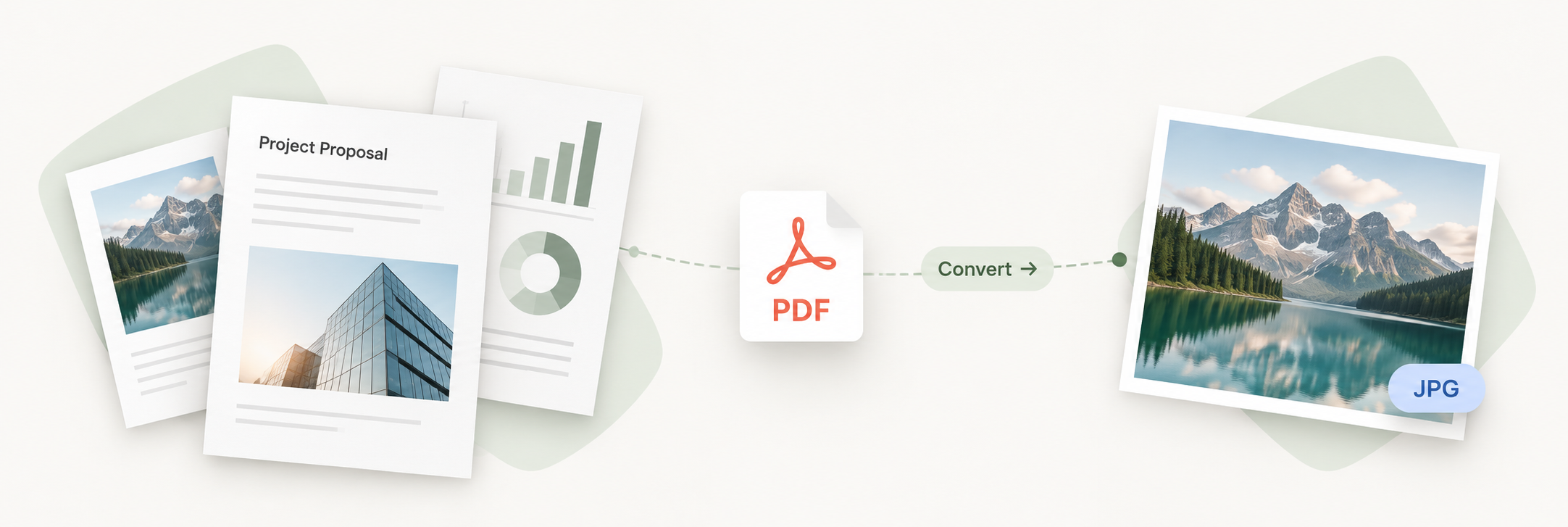
Convert, edit and organize your documents.
One simple workspace. A little less busywork.

Your everyday PDF toolkit
10 everyday essentialsNo tools found. Try another search.
A simpler way
to get it done.
Easy to use
Less searching. More doing.
Browser based
No installation needed.
Private by design
Your files stay on your device.
A few things you might be wondering.
Do I need to install any software?
No. Open a tool, choose your files and download the result. Everything runs in your browser.
Which file formats can I work with?
Work with PDF documents, convert JPG and PNG images to PDF, or export PDF pages as images.
Can I use Paper in Place on my phone?
Yes. The tools work in modern mobile browsers. Large documents may work better on a computer.
Where are my documents processed?
All document processing happens on this device. There is no upload endpoint, cloud storage or account to manage. Download your result, then close the tab.
Only your language preference is saved in this browser. The website host receives ordinary page and resource requests, such as your IP address; your selected documents are not sent with them.
How do I save a PDF on iPhone?
Tap Download after processing. If Safari opens a PDF preview, use Share, then Save to Files. Open the saved result in Files to check it. Browser controls may vary by version.
Which limits should I know about?
Select up to 50 MB in total, with at most 100 pages per PDF. For large scans, select fewer pages or lower the image resolution. Password-protected PDFs, OCR and Office conversion are not supported.
What happens to forms, bookmarks and links?
Copying pages makes form values non-editable. Bookmarks and internal links follow retained pages; destinations removed from the output are dropped. Links to duplicated pages target the first copy. Image-based compression removes interactive forms, links and searchable text.
How can I report a problem?
Describe the tool, browser, device, page count and error message. Do not attach private documents or include their contents. If needed, reproduce the issue with a public sample.